Re:Tech
Five Password Checks for a Household, and What Each One Leaves Behind to Dispose Of
Dated3 min read
The five checks worth running on a household's passwords, what the old advice got wrong, and how to deal with the paper, files and retired phones the cleanup leaves behind.
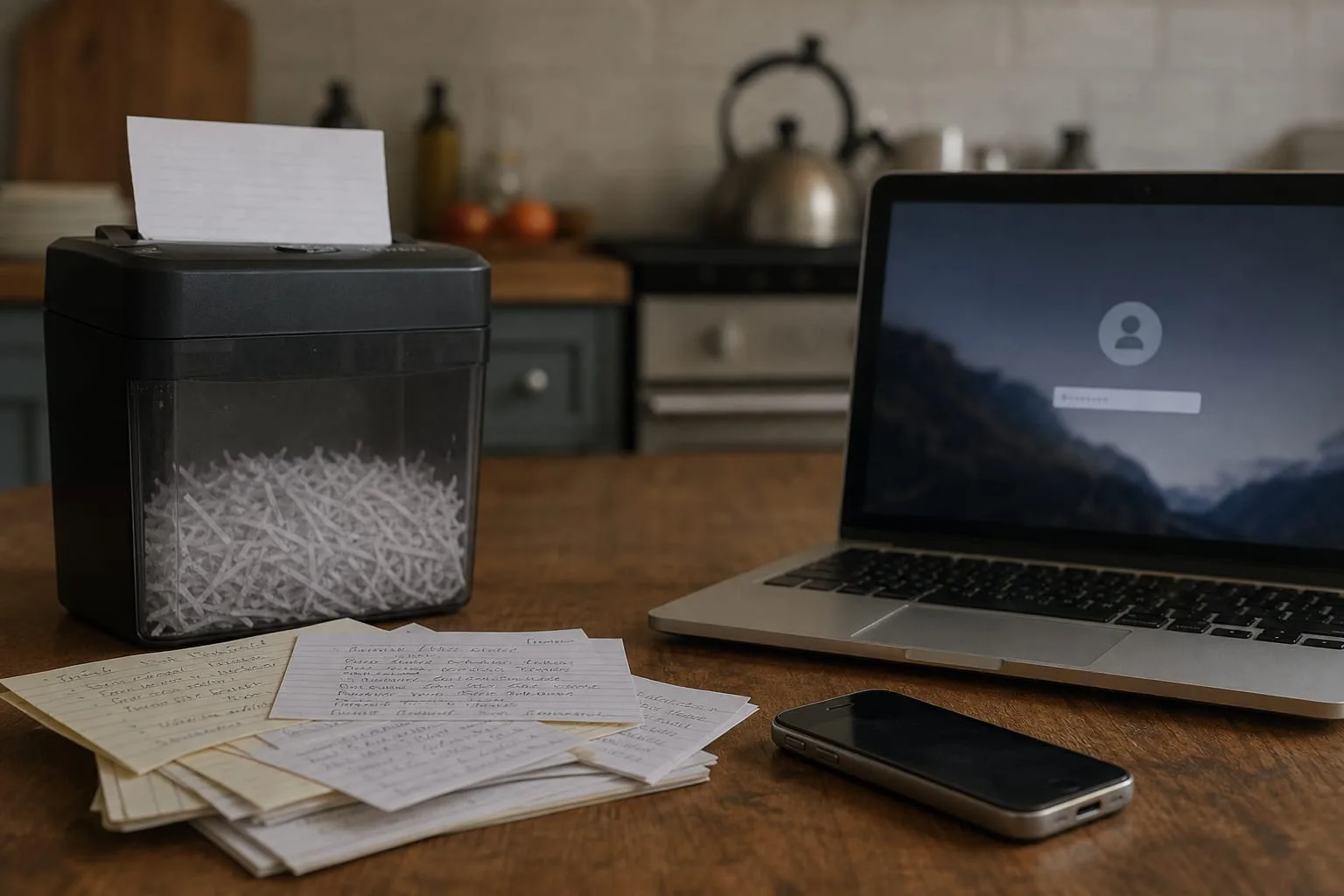
Most household password advice stops at the moment you type the new one in, which is the point at which the actual mess begins. A cleanup produces residue: paper lists in a kitchen drawer, an exported file sitting in Downloads, a retired phone in a shoebox that is still logged into a bank. The advice has changed on what makes a password strong, and the changes are mostly good news, but the disposal side has never been covered at all. Five checks, then, and the leftovers each one creates.
One: length is doing the work, not the punctuation
The assumption most people carry is that a short password becomes strong when you salt it with symbols, a capital, a digit at the end. What is actually true is that length carries almost all of the weight, and the substitutions mainly make a password harder for a person to remember while doing very little to slow down a machine. The National Institute of Standards and Technology is responsible for the federal guidance that shaped the old rules, and it has moved toward long passphrases and away from forced complexity. Four or five unrelated words beat a mangled dictionary word. The residue here is a lifetime of memorized patterns you should now stop reusing.
Two: the reused password is the spare key under the mat
Go through the accounts that matter in your house, the primary email, the bank, the brokerage, the phone carrier, the utility, and ask a narrower question than whether each password is strong. Ask whether any two of them are the same. Reuse is the failure that actually empties accounts, because an attacker who buys one leaked pair tries it everywhere else within minutes. A strong password used in six places is a weak password used in six places. Fix the overlaps first, in that order, and leave the loyalty program logins for later.
Three: check whether the thing has already leaked
Browsers and password managers now flag credentials that appear in known breach data, and that check is worth running before you spend an evening rewriting anything. A password can be sixteen characters, unique, and completely burned, because the company you gave it to lost it two years ago and told you in a letter you filed. Exposure is not a judgment on your choices. It is information about a third party's failure, and it tells you exactly which entries to replace tonight rather than replacing everything on a schedule for no reason.
Four: the recovery path is the real password
Every account you protect has a back door labeled reset, and it usually opens with your email inbox or a code sent to your phone number. That means the strength of your bank login is capped by the strength of the email address it resets through, and by whether your carrier account can be talked into moving your number to someone else's device. Put the longest passphrase and the strongest second factor on the email and the carrier account, before anything else. An authenticator app or a hardware key beats a text message here, and the upgrade takes about ten minutes per account.
Five: the cleanup leaves debris, and some of it cannot go in the trash
By the end of an evening's work you will have generated three kinds of waste, and each one needs a different route out of the house. Paper first: the drawer list, the back of the checkbook register, the index card taped inside a cabinet door. Those go through a cross-cut shredder, not the recycling bin whole, because curbside recycling is a public container that sits at the curb for hours. Second, the digital debris. Password managers and browsers export to a plain text CSV file, entirely unencrypted, and people routinely leave one in Downloads for years after an import. Delete it, then empty the trash, then check the cloud folder that was syncing your Downloads without telling you. Third, hardware. An old phone, a laptop, a tablet handed down to a kid still holds saved sessions, and factory reset before it leaves the house is the minimum; on an encrypted device that reset is genuinely sufficient. Electronics recyclers and municipal drop-off events take the device afterward, and most will not take a battery that has swollen, which is a separate call to your county's hazardous waste line.
Set the next look at twelve months out, or sooner if a breach letter arrives, and treat the review as a short standing job rather than an emergency. What changed in the advice is that you no longer rotate for the sake of rotating, which frees the time for the checks that actually pay: uniqueness, exposure, recovery paths, and clearing out what the last cleanup left sitting around.