Re:Tech
Told Your Backups Are Fine? What a Week of Small Restores Actually Proves
Dated4 min read
A backup job that reports success has only proved it can write. Judgement about your own data comes from small, dull restores done on an ordinary Tuesday.
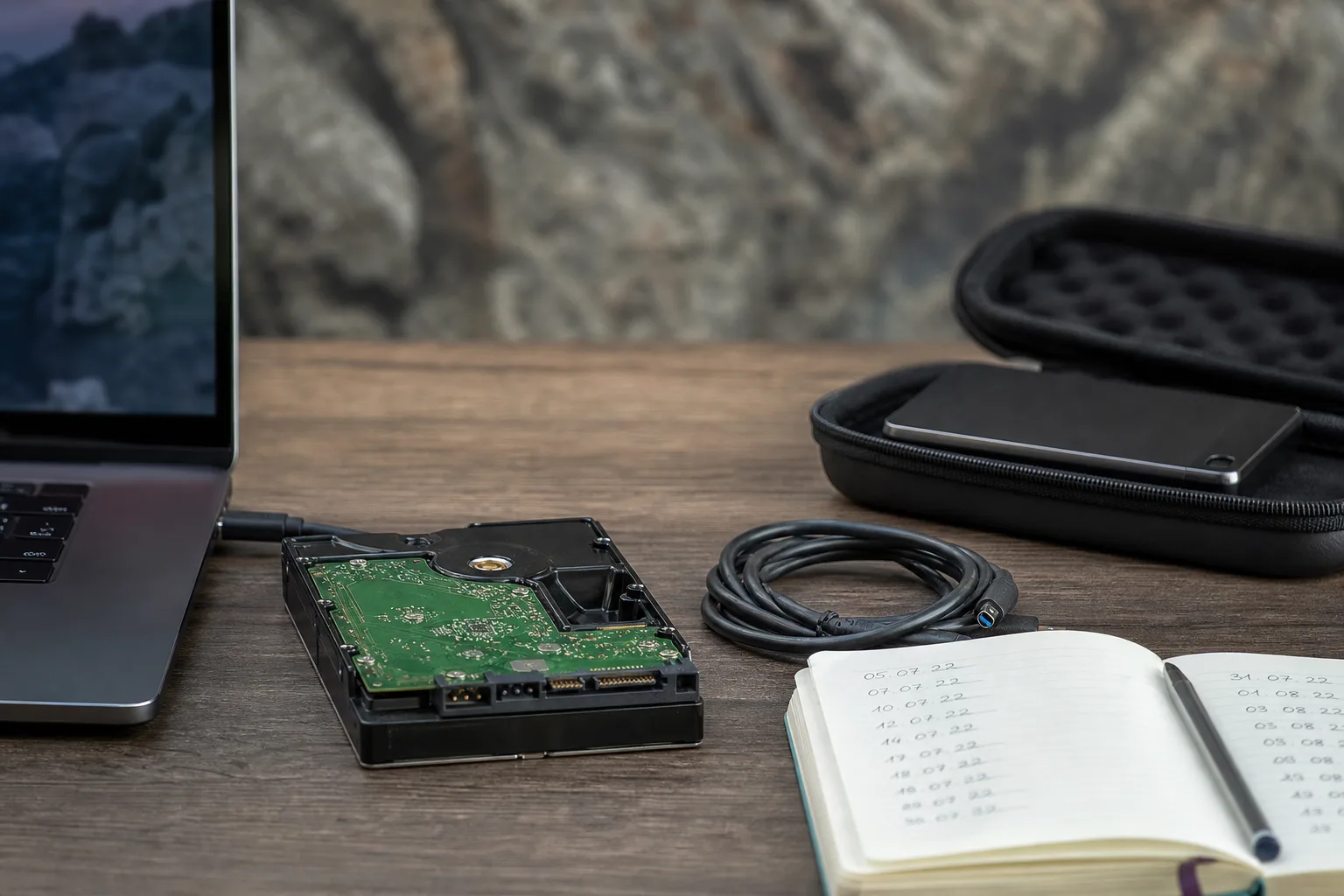
A backup that has never been restored is a receipt, not a copy. It tells you a job ran, that a certain number of bytes moved from one device to another, and that nothing threw an error loud enough to interrupt the schedule. What it does not tell you is whether the file at the other end opens, whether the version you need is the version that was kept, or whether the person who set the whole thing up three years ago left a passphrase nobody wrote down. That gap is where most bad weeks begin.
Writing and reading are two different tests, and only one gets run
Backup software is built to report on writing. It knows how many files it touched, how long the run took, and whether the destination accepted the data. Reading is a separate act, and in most households and small offices it happens exactly once, under pressure, after something has already gone wrong. The first restore you ever attempt should not be the one that matters. Run a small read on purpose, while the stakes are nothing: pull back a single spreadsheet from six weeks ago, open it, check that the formulas survived, and close it again.
The value of that exercise is not the file. It is the sequence you discover on the way: which drive you had to plug in, where the recovery key lives, how long the software took to index a year of snapshots before it would show you anything, whether the laptop you rely on still has a port that fits the enclosure. Every one of those answers is a fact about your own setup that no vendor dashboard contains. You learn them once, cheaply, and then you know them.
The hardware fails in a fairly predictable order
Cables go first, and they go quietly. A USB-C cable that charges a phone perfectly well may negotiate a slow data rate, or drop the link under sustained load, and the backup job will simply take eleven hours instead of two and eventually report a partial run. Next come the enclosures: the bridge chip in a cheap external case tends to fail before the drive inside it does, which is why a drive that a computer no longer sees is often still perfectly readable once it is moved into a different housing. SD cards and thumb drives sit further down the list, tolerable for transport and poor for retention.
Spinning disks and solid state drives each have their own manner of going. A mechanical drive usually gives warning, in reallocated sectors and in noise, and the health data is there to be read if anyone ever looks. Solid state drives more often work and then do not, with little in between, which is an argument for having the second copy somewhere else rather than for avoiding them. The National Institute of Standards and Technology is responsible for the federal guidance that most of this practice descends from, and the theme running through it is redundancy across media and location, not faith in any one device.
Substitution is where discipline slips. The proper enclosure is out of stock, so the drive goes into a spare case from a drawer; the offsite copy was meant to live at a relative's house, so for now it lives in the trunk of a car; the network drive was supposed to be replaced at four years, so a fifth year passes. None of those substitutions is fatal on its own. What matters is writing down that the substitution happened, because the thing you forget is precisely the thing that fails.
What an ordinary week looks like when this is working
The week-to-week reality is dull, and it should be. Jobs run overnight and report in the morning, and you read the report for about twenty seconds, mostly to see whether the count of files changed in a way that makes sense. Once a week, on a fixed day, you restore one thing. Rotate what you pick: a photograph one week, an accounting file the next, then a folder of scanned documents, then something from a phone. Four weeks of that and you have tested four different paths through the same system.
Once a quarter the test gets bigger, and once a year it should be uncomfortable. Restore to a machine that is not the machine the data came from, because that is the scenario you are actually insuring against. Time it. A recovery that technically succeeds after two days is a different product from one that succeeds in ninety minutes, and you cannot know which you own until you have watched the clock run. Note the number somewhere you will find it again, because next year's number is only meaningful against this year's.
The instant yes, and what it usually stands in for
When you go looking for help with this, the good people are booked. That is the ordinary condition of competent technical work, and an immediate opening is information. The consultant who says yes on the phone, quotes a flat monthly figure, and never asks what your recovery time needs to be has priced a product, not your situation. The one worth waiting three weeks for asks awkward questions early: what would you lose if you lost a day, who else can perform a restore if you are unreachable, where does the second copy physically sit, and who has tested it.
Ask any candidate to walk you through the last restore they performed for another client, without names. You are listening for texture: the enclosure that had died, the passphrase that lived in one person's head, the four hours spent waiting on a cloud egress. Someone who has genuinely done the work will have those details to hand, and someone who has only sold the service will move quickly back to the dashboard and the green check marks.
Judgement here is cumulative and cheap to build. A restore a week, a note of what you substituted and when, and one honest annual rehearsal will tell you more about your own exposure than any amount of reading, and it will make the conversation with anyone you hire a short and concrete one.